Starting YOLO on the store door…
Know who just walked in, how busy the floor is, how long the queue has been waiting, and whether the car park is filling up — on one screen, while the room is still moving.
Door traffic, till waits, waiting rooms, lobbies, cafe queues, car parks and corridors. Pick any camera and the same screen answers the same way — because the analytics underneath never change, only the zones do.
Tested Validated end to end — running in the demo today. Testing in progress Being validated now. Shown dimmed until it clears.
Press Start Demo and CAM-01 starts. Open another camera and that one takes its place — only one camera runs at a time.
Freeze the picture. Counts, wait times, and the minute table stay on screen while you talk.
Clear the session and rewind. Use this between guests so the next run starts clean.
Clears the session, then starts CAM-01 and opens the live console.
Every camera in one console, one at a time. Start Demo runs CAM-01. Click a tab to switch cameras — the previous one stops. Door cameras count IN/OUT across the gold ENTRY LINE. Queue cameras show wait seconds on each head; amber and red are the wait thresholds you set. The car park counts parked cars against its bays.
Quiet below 6 · moderate from 6 · peak from 14. Drag the gold handles on the camera, or click Draw line.
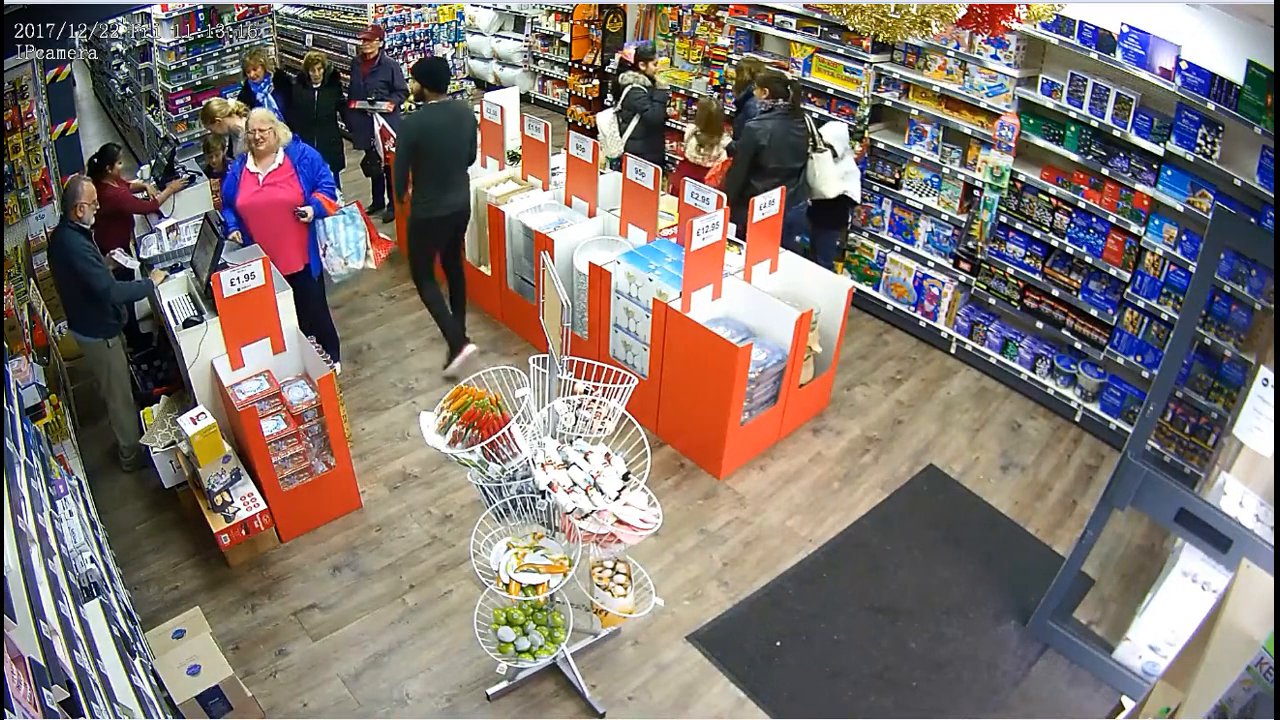
ENTRY LINE on the inner edge of the doormat. IN is the store / wooden floor. Apply line saves it permanently.
Each till is a polygon. Config-file lanes are the default. Apply zones stores your drawing in this browser.
| +min | Clock | In | Out | Net | Peak in view | Longest wait | Load |
|---|---|---|---|---|---|---|---|
| Start the feed to build the minute table from this video session. | |||||||
In / Out / Net are door crossings that minute. Peak in view is the highest identified headcount in that minute — it will not match Now in store. Minutes freeze when the clip ends.